For event planners
A venue's guide to getting guests involved in event photos
By the Afters team · Updated · 5 min read
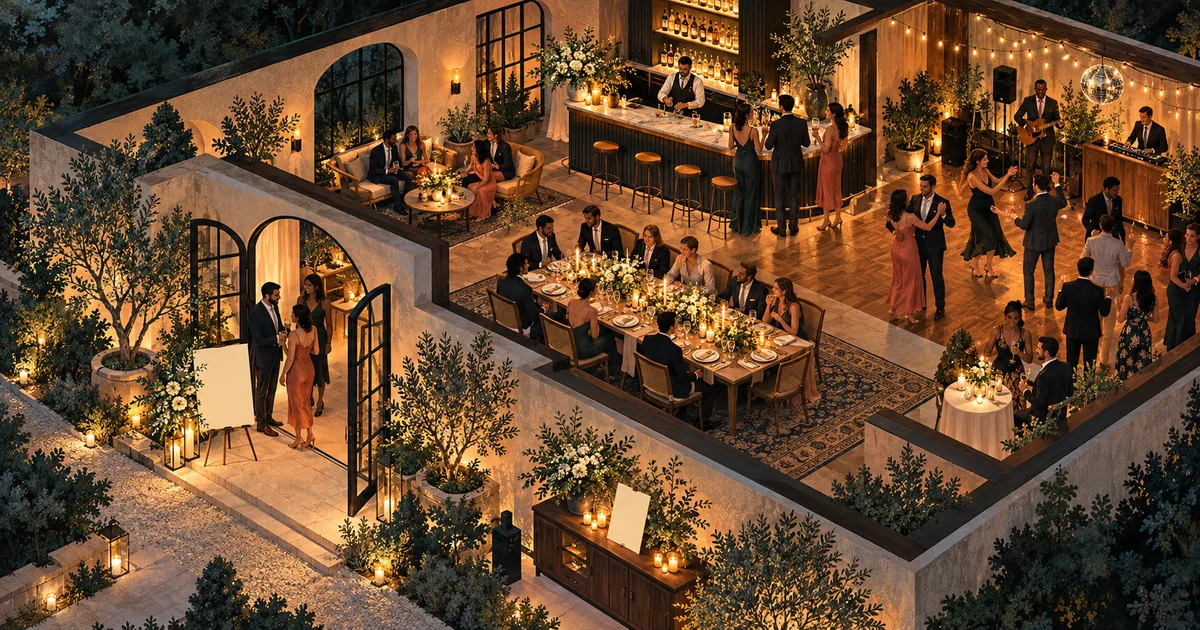
Think of a guest arriving with a coat over one arm, a drink in the other hand, and a friend they have not seen for months suddenly in front of them. They are not looking for instructions. They are looking for somewhere to settle into the evening.
A venue can introduce a shared camera in the same spirit as offering a seat or pointing out a lovely corner of the terrace. Here is something you might enjoy together. Here is where the memories will be afterward. Good participation begins with that welcome, not with putting a QR code on every available surface.
The short version
- Give people a reason to join before giving them instructions.
- Put the invitation where guests have time and a free hand.
- Keep a named host behind every separate occasion.
See the invitation from the guest's side of the room
A code that looks clear on your screen may disappear behind flowers when the table is set. A sign by the door may be noticed but forgotten while someone finds their friends. Walk the route guests will take and ask where a small invitation would feel helpful rather than inconvenient.
Try the printed QR in the actual light. Sit where someone will read it. Keep the written link available, and test the guest connection rather than relying on staff Wi-Fi. These are small acts of hospitality. They remove the awkward moment when a guest wants to join something pleasant and cannot work out what they are doing wrong.
Tell them what they will have tomorrow
One shared roll of tonight, made by the people who were here is more inviting than a bare command to scan. Follow it with the practical explanation: verify your number, take a few photos in your browser, and see the album when it develops. No app download is required for photos.
Say that new Afters rolls stay sealed until development. Waiting feels different when people know it is part of the experience, not a sign that their picture vanished. If there is a photographer or booth, give each a clear role. Guests can enjoy several kinds of pictures without being made to puzzle out which invitation leads where.
Give people a comfortable place to be photographed
Sometimes the kindest contribution a venue can make is a little light. A warm corner where friends can see each other's faces. A terrace that is easy to reach. Somewhere a small group can pause without being hurried out of somebody else's way.
You do not need to build another attraction. Test a phone picture where guests will actually stand, and keep the invitation away from exits, stairs and busy routes. Respect people who do not want to appear in pictures. A shared camera works best when it adds an easy possibility to the evening, not another place people feel watched or directed.
Let guests know there is a person behind it
For a private booking, agree with the client who will host the roll. For a venue-run night, choose someone who knows the schedule and can respond to concerns. That person can preview and hide inappropriate photos before development, giving the shared experience a little care without hovering over every capture.
Use a fresh roll for each occasion, with its own invitation and participants. Create it near the event, within the current roughly three-day schedule, and test the final code. Last weekend's guests should not quietly become this weekend's audience. The camera should belong to this room of people, on this particular night.
Notice whether it left people with something they wanted
Afterward, ask what felt natural. Did friends help one another join? Did somebody discover a picture they were glad another guest took? Did the reveal arrive when people could enjoy it? These answers tell you more than treating every empty shot allowance as a missed opportunity.
Keep promotional use a separate conversation, even when a frame would look wonderful on the venue's page. Reuse what worked and quietly fix what did not. For public costume nights, the Halloween venue guide adds context; for an introduction that sounds human, try the MC scripts. The goal is a memory guests associate with being well looked after.
Questions people ask
Where should a venue put a guest-photo QR code?
Introduce it at arrival, then offer a readable invitation where guests can pause, such as a seated area. Test the actual light and include a written link without obstructing movement.
Can we use one roll for every event at our venue?
Give each occasion a fresh roll, invitation and audience. Current setup is near-event, within roughly three days, and separate rolls keep different gatherings from quietly merging.
What should staff know about Afters?
Guests verify their number, can use a browser for photos, and wait for development to see the new roll's full pictures. Staff should know the named host and the actual reveal time.
Keep reading
A Halloween party photo plan for bars, clubs and promoters
Give guests something to remember from inside the night, not just the view from the stage.
Beyond the photobooth: capture the moments around it
Keep the booth portraits—and the little moments people carried back into the room.
The DJ or MC's guide to getting a shared camera roll started
A few warm words can turn a QR code into an invitation to remember the night together.