Hosting & planning
How I invited my grandmother to a party app (and she came)
By the Afters team · Updated · 3 min read
My grandmother’s phone has three things on it: calls, photos of her tomatoes, and a weather app she distrusts. When we planned my parents’ fortieth anniversary, I wanted her in the photos and in the plan, not just at the table.
I was braced for an hour of phone support. It took four minutes, and she did most of it herself.
I invited her number, not her account
In the roll’s Invite people screen, I typed her phone number. She had no account, so Afters saved the invitation to her number and offered me three buttons: text, WhatsApp or Telegram, all from my own phone. Afters itself never texts guests, which I appreciated; the message came from me, so she trusted it.
The message said that I had invited her to the anniversary, with the party name and a link. Not a code, not instructions. Just the invitation.
One button to the right store
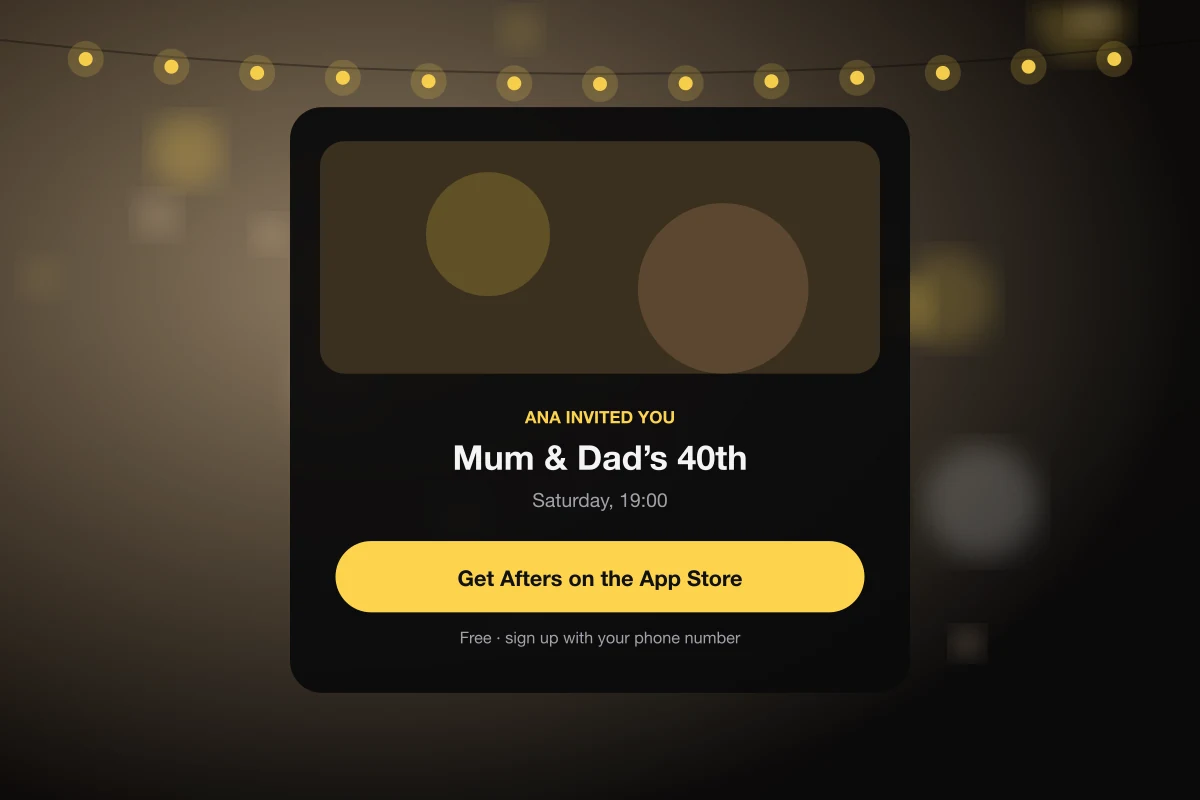
The link opened a page with my name, the party and one big button for her phone’s app store. No login, no menus, nothing to choose. She tapped it, installed the app, and signed up with her number.
And there it was: the invitation, full screen, with the party’s cover photo and Accept. She called me to say it had “already known”. I did not explain how. I simply accepted the credit.
Her photos were the best ones
At dinner she took exactly four photos, slowly and deliberately, like film. Every one was better than mine. One of my parents laughing at the head of the table is now framed in their hallway. She tells everyone she took it on “the party camera”, which is accurate.
Questions people ask
Can I invite someone who isn’t on Afters?
Yes. Invite their phone number; the invitation is saved to it, and you can send them the invite from your own phone by text, WhatsApp or Telegram. When they sign up with that number, it’s waiting.
Does Afters text my guests?
No. Afters only texts people for sign-in codes and a few account messages. Invitations to people not yet on Afters are sent by you, from your phone.
What does the invite link show?
Who invited them, the party’s name, date and cover, and one button to the right app store for their phone. On a computer it also offers to continue on the web.
Keep reading
Family reunion photos from every generation's perspective
A familiar table, a story you had never heard, and the family seen from someone else's seat.
My guests invited their people, and the party was better for it
I don’t know everyone my friends love. I wanted to meet them anyway, on my terms.
Private event photo sharing: who can see what in Afters?
Feel comfortable in the picture by understanding who can see it and where it can travel.